


Description
Download Google Play Music – YouTube, high-quality audio, music streaming, offline listening
Overview
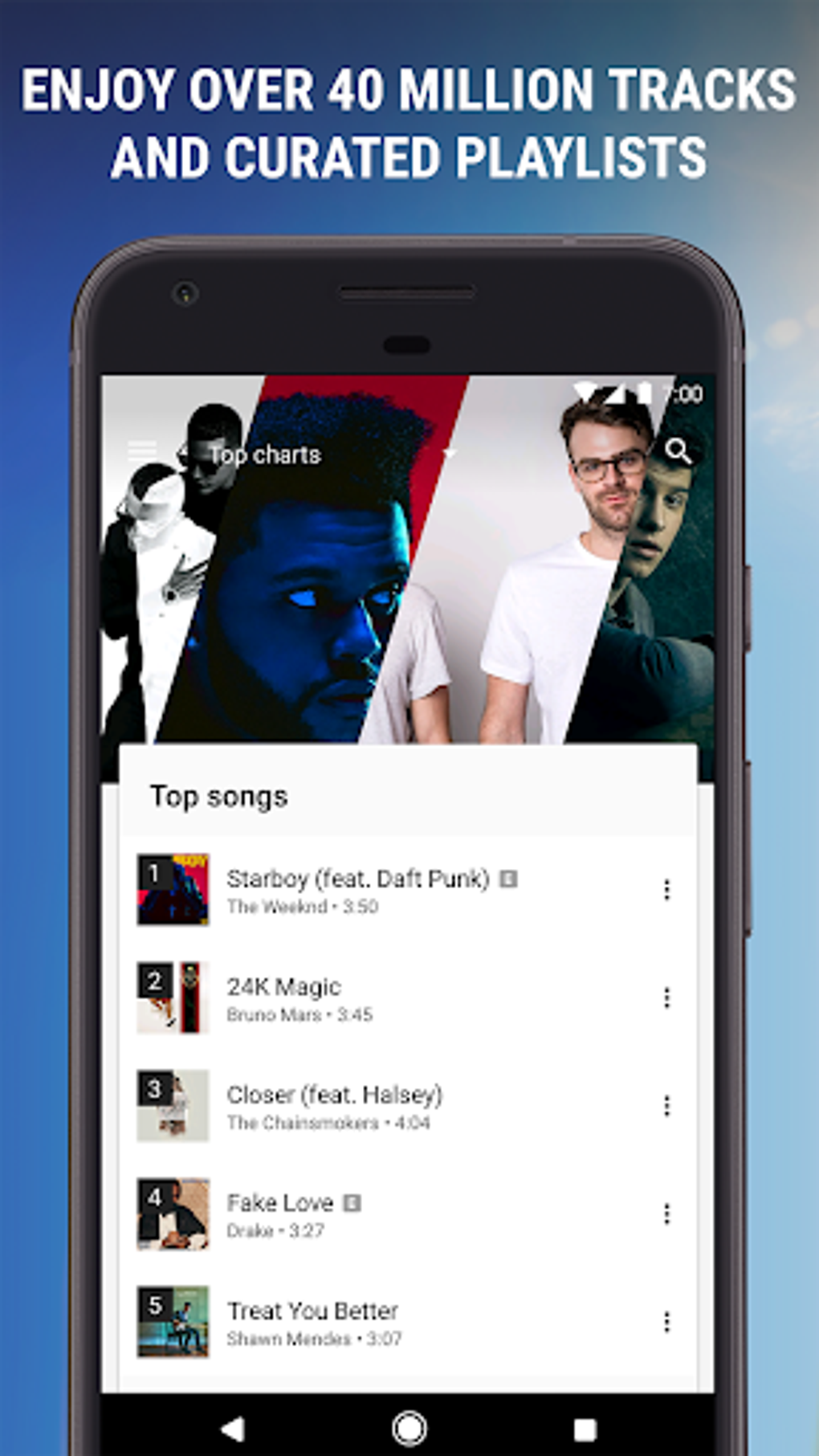
Google Play Music is a desktop and mobile music application designed to deliver a seamless blend of streaming and personal music storage. It enables users to access an extensive music library, both online and offline, through cloud-based storage. The software supports high-quality audio playback, making it ideal for audiophiles and casual listeners alike. It is particularly suited for individuals who value personalized music experiences, with features such as algorithm-driven recommendations and curated playlists. The app integrates with YouTube, allowing users to explore music videos and related content, enhancing the overall entertainment experience. While the developer did not provide additional details about the company’s background, the software is positioned as a versatile tool for music discovery and playback. Real-world usage includes daily commuting, home entertainment, and background music during work or study. Users can store up to 20,000 songs in their personal music locker, which can be accessed across devices. The service also supports the All Access subscription model, offering unlimited streaming, ad-free listening, and personalized radio stations.
Key Features & Capabilities
- Personal Music Locker – Store up to 20,000 songs from your personal collection and access them from any device. This feature is ideal for users who want to preserve their music library without relying solely on streaming.
- High-Quality Audio Streaming – Deliver high-resolution audio for an immersive listening experience, particularly beneficial for users with high-end audio equipment.
- YouTube Integration – Seamlessly connect with YouTube and YouTube Red to access music videos, live performances, and exclusive content, expanding the platform’s multimedia offerings.
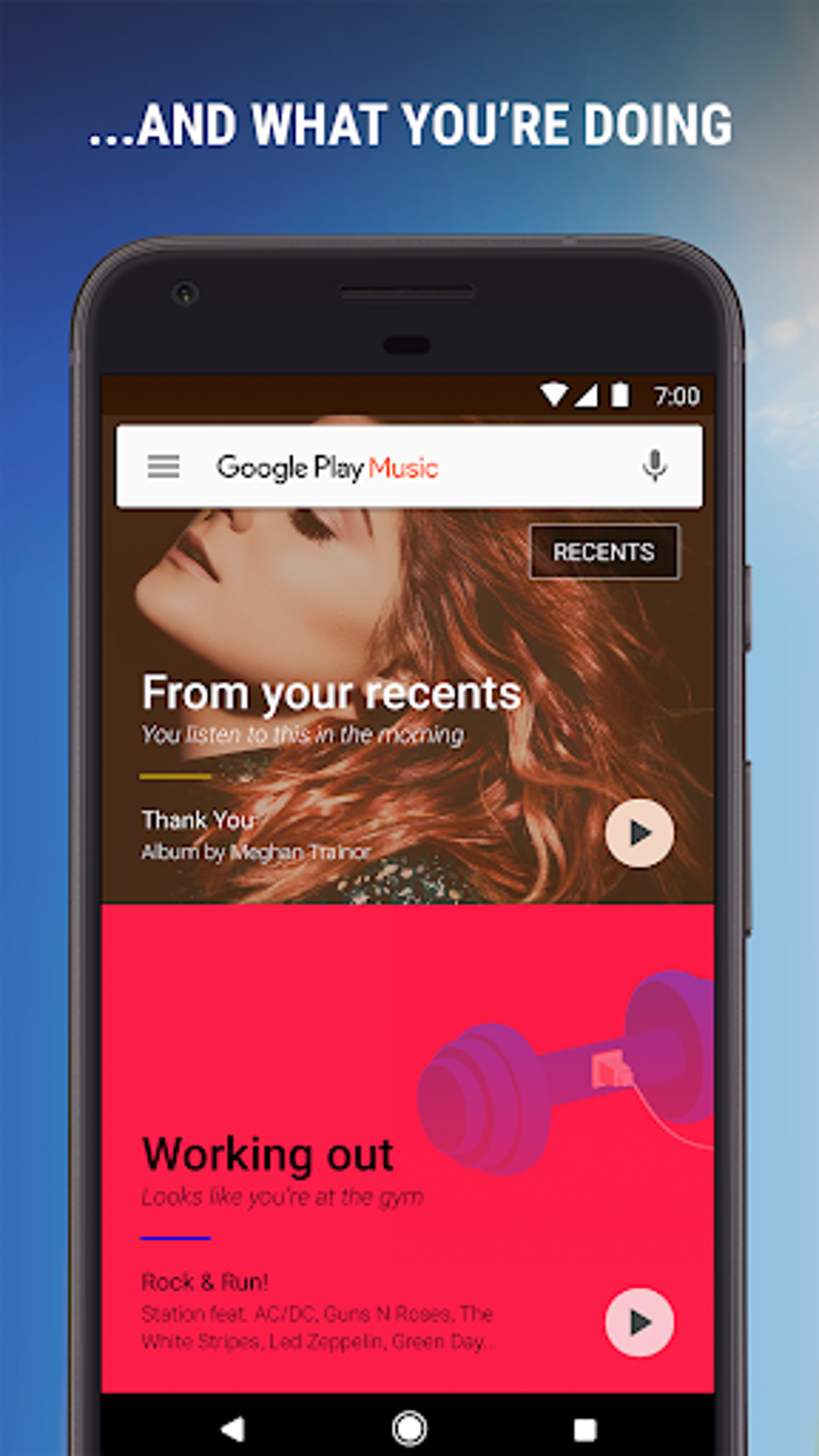
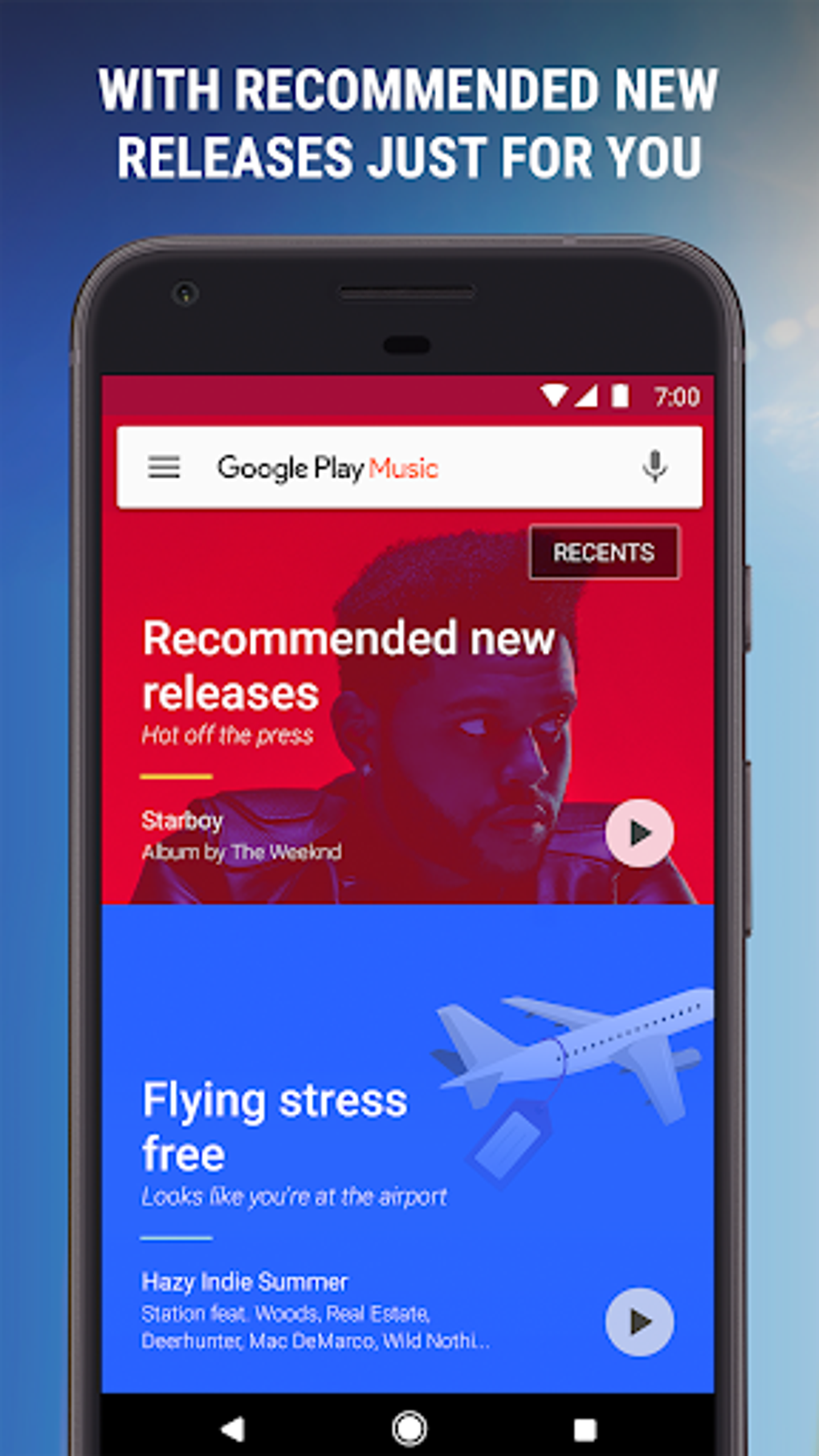
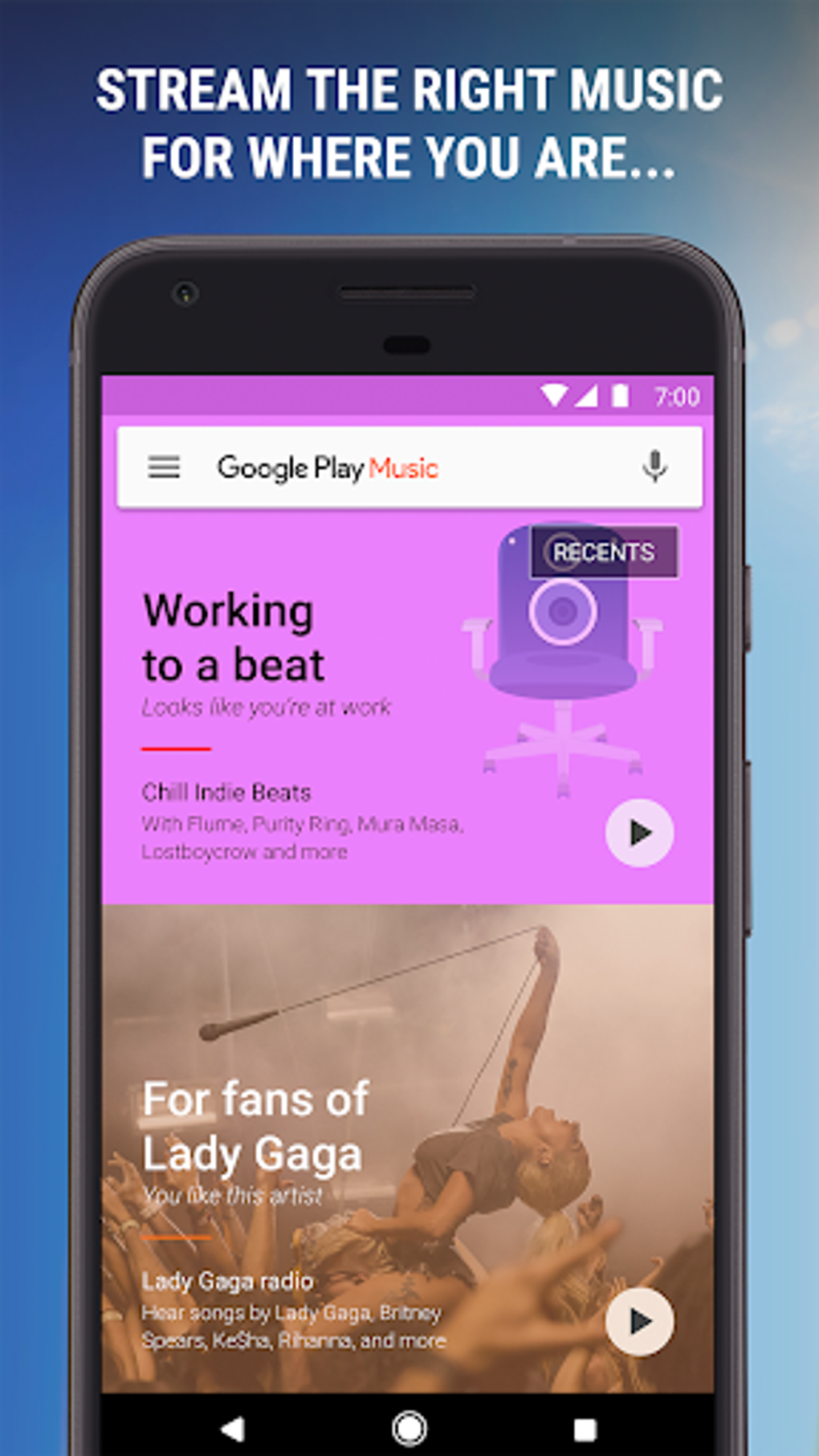
- Personalized Recommendations – Use machine learning to suggest new music based on listening habits, creating custom playlists and radio stations tailored to individual tastes.
- Offline Listening – Download tracks for offline playback, enabling uninterrupted music during travel, flights, or areas with limited internet connectivity.
- Multi-Device Sync – Maintain consistent access to playlists, favorites, and music libraries across multiple devices, ensuring a unified experience.
These features collectively support diverse use cases, from daily commutes to home entertainment. The ability to stream high-quality audio while syncing with YouTube content makes it a compelling choice for users seeking a rich, integrated music experience. Offline functionality ensures reliability in low-connectivity environments, while personalized recommendations enhance long-term engagement.
User Interface, Workflow & Performance
The user interface of Google Play Music is designed for intuitive navigation, with a clean layout that organizes music by artists, albums, playlists, and genres. The main dashboard presents personalized recommendations and recently played tracks, enabling quick access to favorite content. Navigation is straightforward, allowing users to switch between streaming, local library, and offline content with minimal effort. The workflow supports efficient music discovery, playlist creation, and playback control. While the developer did not specify resource usage details, general software behavior suggests stable performance under typical conditions. The application maintains consistent playback without frequent crashes or freezes. Performance observations are based on general software behavior patterns. Stability appears to be well-maintained across supported platforms, though exact CPU and RAM behavior were not provided. Users can expect smooth playback and responsive interactions, especially when using the offline mode or streaming over stable connections.
Workflow Efficiency
Creating playlists, managing downloads, and accessing recommendations are streamlined through a minimal number of steps. The app supports drag-and-drop functionality for organizing music and allows quick access to playback controls. The integration of YouTube content into the main interface enhances workflow by reducing the need to switch between applications. However, the initial setup process may require some time, particularly for users unfamiliar with cloud-based music storage or subscription activation.
Compatibility & System Requirements
Google Play Music is available on Windows, macOS, Android, and iOS platforms. The software supports the latest versions of these operating systems, though exact system requirements were not listed. Installation size varies depending on the device and included data, but the application is generally lightweight. The developer did not specify hardware requirements, such as minimum RAM or processor speed. Compatibility information was partially provided. Users are advised to ensure their device meets standard requirements for running modern multimedia applications. The application relies on internet connectivity for streaming and cloud synchronization, which may affect performance on slower networks.
Pros and Cons
Pros
- Extensive music library with high-quality audio playback
- Seamless integration with YouTube and YouTube Red
- Personal music locker with up to 20,000 song capacity
- Offline listening and multi-device sync capabilities
- Personalized recommendations and radio stations
- Ad-free streaming with the All Access subscription
Cons
- Integrated lyrics feature not available
- Initial setup process may be cumbersome for new users
- Limited non-musical content beyond music and videos
- Some users may find the interface outdated compared to modern alternatives
- Dependence on internet for full functionality
FAQ Section
Is Google Play Music free to use?
Yes, Google Play Music offers a free version that allows users to store up to 20,000 songs, access music from their personal library, and use the app without advertisements. However, full access to streaming, personalized recommendations, and unlimited music requires the All Access subscription.
Can I use Google Play Music offline?
Yes, users can download tracks for offline listening. This feature is available for songs in the personal music locker and those accessed through the All Access subscription, allowing uninterrupted playback without an internet connection.
Is Google Play Music compatible with my device?
Google Play Music supports Windows, macOS, Android, and iOS. Compatibility depends on the device’s operating system version and internet connectivity. Exact system requirements were not listed by the developer.
Does Google Play Music support high-resolution audio?
Yes, the platform delivers high-quality audio, suitable for listeners who prioritize sound fidelity. The exact audio format and bit rate were not specified in the provided information.
How often are updates released?
Regular updates are released to improve functionality, fix bugs, and enhance compatibility. The frequency of updates is not specified, but users can expect ongoing maintenance to support evolving platform standards.
Final Thoughts + CTA
Google Play Music stands out as a robust and versatile music solution, combining personal music storage with high-quality streaming and YouTube integration. Its ability to deliver personalized experiences, support offline access, and maintain a vast library makes it ideal for music enthusiasts who value both convenience and audio quality. While it lacks certain features like integrated lyrics and offers limited non-musical content, its strengths in organization, cross-device sync, and seamless streaming outweigh these drawbacks. The app is particularly beneficial for users who already engage with YouTube or maintain a large personal music collection. For those seeking a unified platform that blends storage, streaming, and discovery, Google Play Music remains a compelling choice. Download Google Play Music now and enjoy your favorite tunes anytime, anywhere.
Guides & Tutorials for Google Play Music
How to install Google Play Music
- Click the Preview / Download button above.
- Once redirected, accept the terms and click Install.
- Wait for the Google Play Music download to finish on your device.
How to use Google Play Music
This software is primarily used for its core features described above. Open the app after installation to explore its capabilities.
User Reviews for Google Play Music 0
No reviews found





